

General Features:
- Use in any application where you need more inputs and outputs.
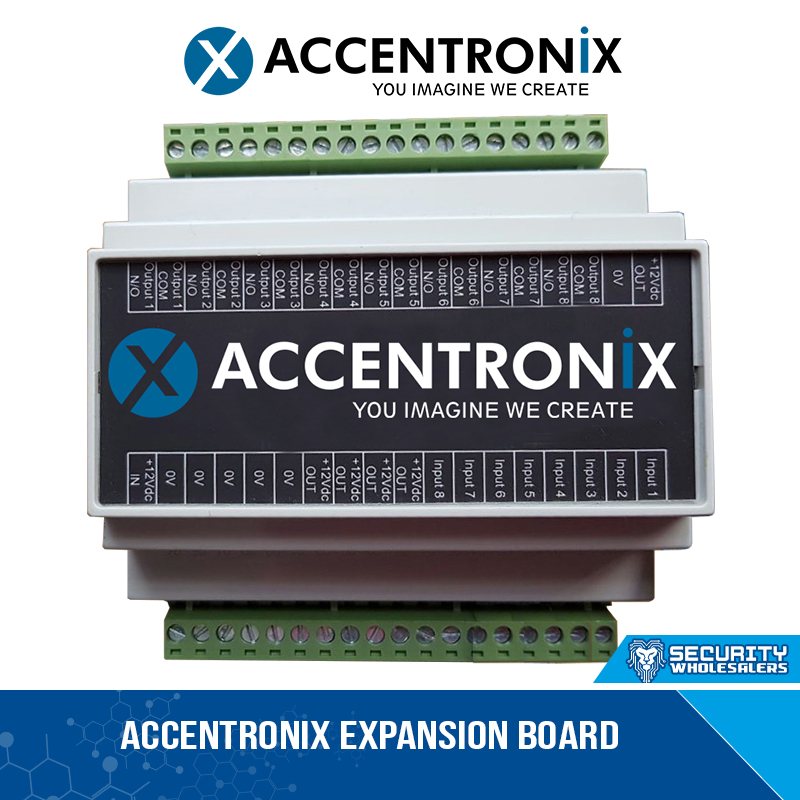
- Add additional 8 relay outputs to your device.
- Add additional 8 inputs to your device.
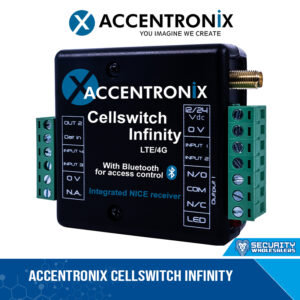
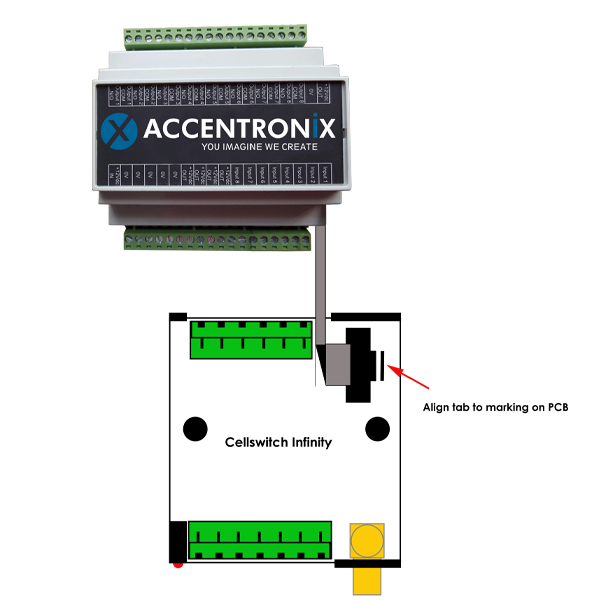
- Easy connection to the Cellswitch Infinity with a ribbon cable.
- Manage all output and input messages from the online portal.
- Create a mimic panel to report to a control room status and alarms of multiple devices
HOW TO ADD A I/O EXPANSION BOARD TO YOUR DEVICE:
- Install your Cellswitch device and connect the I/O Expansion board (see connection diagram).
- Register device online at www.cellswitchportal.co.za
- On the online portal activate the I/O Expansion board Configuration > Advanced settings > Enable 8in/8out Expansion Board.
- Change any reporting messages at Configuration > 8in/8out Expansion Board.
- Save settings and update devices.
8 Digital Inputs. 8 Relay Outputs. Connects to a Cellswitch Infinity